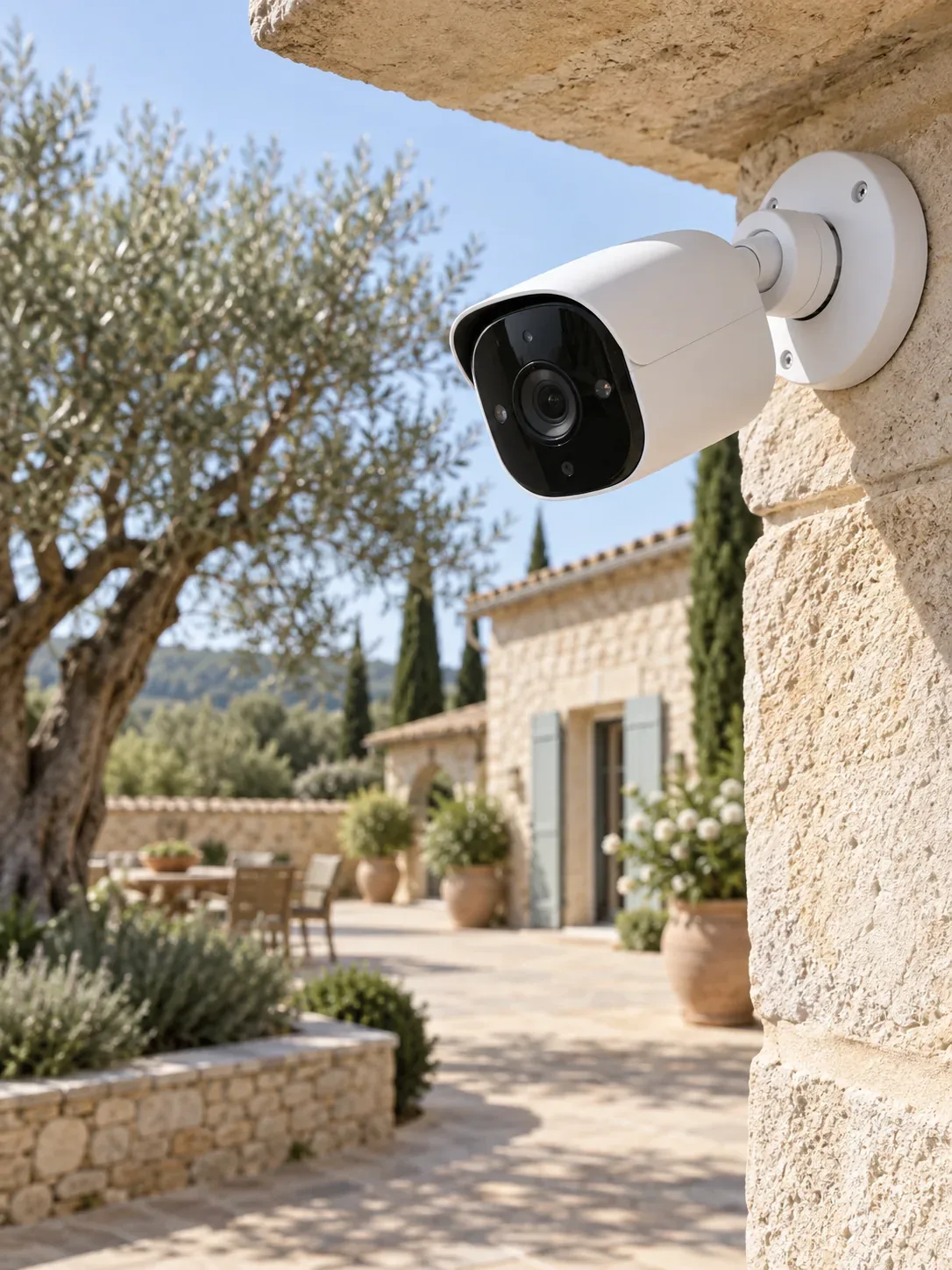
Start with what you need to see
An entrance, driveway and garden each need a different camera position and viewing angle. Describe the places you want to monitor and whether the aim is a live view, notifications or recording.
IT support in the Marina Alta
You want to check the entrance from your phone, see what is happening around the house, or stay connected on the terrace. Cameras and outdoor networking meet on the same property, but each needs a clear plan.
Choose your service
An entrance, driveway and garden each need a different camera position and viewing angle. Describe the places you want to monitor and whether the aim is a live view, notifications or recording.
What do you want to do, where does it fail and which devices are involved?
We consider the connections, existing equipment and technical limitations.
Work, parts and relevant dependencies are discussed beforehand.
The result needs to fit the way you use your technology.
An entrance, driveway and garden each need a different camera position and viewing angle. Describe the places you want to monitor and whether the aim is a live view, notifications or recording. We discuss suitable camera options and the network they rely on. An app can make viewing convenient; remote access also depends on the chosen system, internet connection and account setup.
Security cameras →Seeing a camera live is different from keeping recordings. Local storage, an NVR recording unit or a manufacturer cloud service can have different requirements and ongoing costs. Motion alerts also need settings that match the scene. We help you understand the options before choosing a system. Do not assume every camera supports every app, continuous recording or a particular integration; these are checked for the actual equipment. IP cameras send video over a network connection. Camera viewing in an app, playback and alerts are separate functions. We discuss which belong in your security camera installation so the chosen system’s capabilities are clear.
Security cameras →A router indoors may not cover the terrace, pool area or a separate building. Exterior walls, distance and the available connection route affect the design. Outdoor access points, cable connections and suitable point-to-point links serve different needs. We look at where people and devices need a connection, and how those locations connect back to the main network. No single access point promises coverage across every property. An outdoor WiFi extender is not always equivalent to a suitable outdoor access point. For garden or pool WiFi, we consider weather-appropriate equipment and the link back to the house.
Outdoor WiFi →A camera may have a good signal yet still struggle if the shared network or internet upload is limited. Wired Ethernet or PoE, which carries data and electrical power on compatible equipment, may be useful where installation allows. Camera access, household devices and guests can also need different permissions. Send a simple layout and the intended camera positions; together we can consider coverage, power and network routes rather than adding devices one by one.
Outdoor WiFi →| Your situation | What matters | A suitable next step |
|---|---|---|
| See the entrance on your phone | View, lighting and suitable app access | Security cameras → |
| Indoor WiFi works, outdoor coverage does not | Placement and the link to the main network | Outdoor WiFi → |
| Connect cameras, terrace and a guest building | Capacity, power and separate access | Coordinated network planning → |
A wide image can show that something happened without making a person or number plate usefully identifiable. Distance, mounting height, lens, backlighting and illumination affect the result. Night viewing matters too: reflections, an overhang or nearby objects can interfere. Describe the question each view needs to answer. Position and angle can then be discussed without pretending that more megapixels solve every situation.
Security cameras →Consider who needs live viewing, who needs recordings and whether alerts should reach several phones. Recording duration depends on storage capacity, image settings and continuous or event-based recording. Cloud storage may require a subscription; local storage has its own management and placement requirements. We also discuss internet outages and phone replacement. Sharing a master password is not a good substitute for individual permissions where the system supports them.
Security cameras →An outdoor access point may suit a terrace close to the house. A separate guest building also needs a usable link back to the main property. Cabling is an option where a safe installation route exists; a wireless bridge needs suitable conditions, including an appropriate line of sight. Outdoor equipment must suit its environment and power supply. We consider each zone’s use and route rather than simply adding transmitters where coverage ends.
Outdoor WiFi →Suppose you want to see the gate, make video calls outdoors and give guests internet access. These are three needs with different requirements. A camera can use upload capacity, a call needs a stable connection and guests should not automatically reach private devices. We can discuss the requirements together, including power, wiring, network access and management. Bring a simple layout, existing camera details, router model and intended locations. Do not send camera passwords or private footage with the initial enquiry.
Outdoor WiFi →Often this is possible with compatible equipment and correctly configured access. The exact functions depend on the camera system, app and working internet connection.
Yes, the camera and Outdoor WiFi requirements can be discussed together. Whether they can share cabling, power or network equipment depends on the property and devices.
No. Wireless may describe only the data connection. Many cameras still need power; battery models have different recording and usage limits. We consider the specific model and location.
That depends on condition, connections, supported protocols and access to the system. Send the make and model; full compatibility across manufacturers cannot be assumed.