Practical guides
Longer walkthroughs and quick troubleshooting, written the way we'd explain it in person.
142 guides found
 Practical help
How Remote Tech Support Works (And When You Still Need a Visit)
What a remote session can help with, when a visit makes more sense, and how to keep control of access.
Read guide → Practical help
One-to-One Tech Coaching: Learn Everyday Tasks on Your Own Device
A useful lesson ends with a task you can repeat yourself. Here is how to choose that task, practise it safely and keep the instructions understandable.
Read guide → Computers
Laptop Maintenance Checklist: Useful Checks Without Unnecessary Tweaks
A practical routine for backups, updates, storage, cooling and physical condition, with clear boundaries for internal work.
Read guide → Computers
Why Regular PC Maintenance Matters: Reliability Without False Promises
Maintenance helps notice changes and preserve a usable working environment; it is not a guarantee that hardware will never fail.
Read guide → Computers
SSD or More RAM? Choose the Upgrade Your Tasks Need
Compare storage and memory upgrades using your actual workload, compatibility and a sensible migration plan.
Read guide → Practical help
Getting Technical Help When You Are Not Confident with Computers
You do not need to identify the faulty component before asking for help. Describe the result you need and the point where the device stops cooperating.
Read guide → Networking
Wi-Fi in a Finca: Plan Rooms, Guest Buildings and Terraces
Separate the incoming internet connection from coverage inside and between buildings. Plan access points and backhaul around walls, cable routes and real tasks.
Read guide → Networking
Home Network Setup: Routers, Switches, Wi-Fi and Safe Sharing
Build around clear component roles, useful cable connections and measured wireless coverage. Keep routing understandable and test household tasks, not only internet speed.
Read guide → Smart Home
Start a Smart Home with One Useful Project, Not a Shopping List
Choose one useful non-critical task, verify network and controller requirements, keep manual control and test with household users before expanding.
Read guide → Smart Home
International TV in Spain: access, devices and VPN limits
Confirm authorised service availability for your actual account, residence and device before choosing equipment. A VPN does not create viewing rights or guarantee playback. Use provider-supported options and distinguish a rights restriction from a local connection fault.
Read guide → Gaming
Building a Gaming PC: Entry, Mid-Range or High-End
List the games, resolution, desired settings and frame rate.
Read guide → Web & SEO
Getting a Website for Your Local Business: What to Expect
Choose the main tasks: read a menu, request a quote, make a booking or buy a product.
Read guide → Computers
Cracked Laptop Screen Repair Cost: What a Useful Quote Includes
The exact display assembly and any hinge or case damage matter more than a generic online screen price.
Read guide → Computers
Data Recovery from a Failing Hard Drive: What’s Actually Possible
If a drive makes unusual mechanical sounds or becomes repeatedly unreadable, stop repeated power cycles and recovery scans.
Read guide → Computers
5 Signs Your PC Has a Virus (And What to Do About It)
Unexpected pop-ups, unfamiliar extensions, unexplained security changes, messages sent from an account and unusual slowdowns deserve attention.
Read guide → Networking
Starlink or fibre in the Marina Alta: compare the property
Compare confirmed address-level offers and safe installation requirements, then test actual calls, uploads and indoor coverage. Use current regional terms and total costs. Neither nearby fibre nor satellite coverage alone proves that the property’s required service is ready.
Read guide → Networking
Remote work in Spain: prepare an approved VPN
Use the employer-approved device, access method and recovery process. Confirm permission for the actual work location before travel. Diagnose the failed step without disabling required controls, disguising location or substituting a personal VPN for organisational access.
Read guide → Smart Home
Zigbee vs Z-Wave vs Matter: Roles, Compatibility and a Practical Choice
Identify the device network, controller and needed features separately. Match exact models and regions, check supported bridges and test one complete routine before expanding.
Read guide → Smart Home
Alexa vs Google Home Setup: Devices, Languages and Household Control
Choose around exact device support, hardware roles, household permissions and real spoken tasks. Test one device and routine before expanding, and keep manual control available.
Read guide → Security
CCTV Camera Placement: Purpose, Night Tests and Useful Recorded Views
Choose each view for a defined task, then test real recorded movement by day and night. Check wiring, privacy boundaries and retrieval before accepting the installation.
Read guide → Security
Video Doorbell Buying Guide: Entrance, Wiring and Everyday Use
Choose around the entrance task, exact electrical compatibility, useful viewing angle and a tested connection. Check recording costs and a fallback before permanent installation.
Read guide → Security
Smart Lock vs Mechanical Lock: Door Fit, Access and Reliable Fallback
Compare the complete door, supported access, physical operation and fallback. Smart features can add convenience, but do not automatically strengthen the entrance.
Read guide → Gaming
5 Graphics Problems to Check Before Upgrading Your GPU
Low frame rates, stutter, visual artifacts, unexpected crashes and a game's unsupported-hardware warning need investigation.
Read guide → Gaming
PC vs Console Gaming: Which Is Right for You in 2026
Check which platform supports the titles, cross-play and saved progress you need.
Read guide → Web & SEO
Website Speed, Core Web Vitals and SEO: What Actually Matters
What Google says about page experience, what Core Web Vitals measure, and practical ways to find performance problems.
Read guide → Web & SEO
Do You Need a Multilingual Website on the Costa Blanca
Review enquiry languages, actual customers and the markets you intend to serve.
Read guide → Gaming
 PC Buying Guide: Entry vs Mid-Range vs High-End vs Custom
List games, resolution, target frame rate, noise preferences and budget.
Read guide →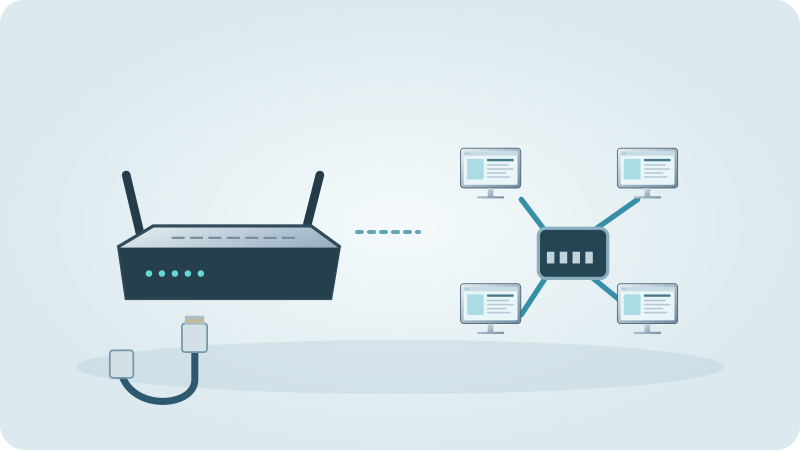 Networking
Mesh Wi-Fi in a finca: plan the connection path
Map the required rooms and verify both client coverage and each node’s connection back to the main network. Use supported wired backhaul where appropriate, treat separate buildings as a distinct installation question and accept the design through real household tasks.
Read guide → Computers
Repair or Replace Your Laptop? Compare the Fault, Support and Real Work
Make the decision from a diagnosis and your actual requirements, not a universal age limit or percentage rule.
Read guide → Computers
PC Won’t Start: Separate Power, Display and Windows Faults
Find which stage fails before trying recovery tools, replacing parts or risking your files.
Read guide → Computers
Why Your Laptop Is Slow: Diagnose the Bottleneck First
A practical sequence for separating slow storage, memory pressure, background tasks, heat and internet problems.
Read guide → Computers
Blue Screens and Random Restarts: Build a Useful Diagnosis
Record stop codes, separate app crashes from system failures and make one evidence-based change at a time.
Read guide → Networking
Wi-Fi Dead Zones: Diagnose the Room Before Buying a Repeater
Compare the same device near the router and in the failing room. Improve the actual connection path through placement, a supported access point or suitable cabling, then verify the original task. More signal bars beside a poorly connected satellite do not prove a reliable route.
Read guide → Computers
Laptop Battery Draining Fast: Wear or Extra Power Use?
Compare capacity, workload and sleep behaviour before deciding the battery needs replacement.
Read guide → Computers
Strange Noise From Your PC: Fan, Drive, Speaker or Electrical Sound?
Describe the source and circumstances before replacing a fan or dismissing a new sound as normal.
Read guide → Computers
Laptop Overheating: Find the Cause Without Risky Fixes
Separate normal warmth from blocked airflow, sustained workload, fan problems and genuine thermal shutdowns.
Read guide → Computers
Laptop Keyboard Not Working: Isolate Keys, Settings and Damage
Check the pattern, input layout and accessibility settings before replacing a keyboard or resetting Windows.
Read guide → Computers
Laptop Not Charging: Safe Checks Before a Repair
Work through the socket, charger, cable, port and charging settings without confusing a charging limit with a battery fault.
Read guide → Computers
SSD Failure Warning Signs: Protect Files Before Testing
Interpret errors, disappearing drives and health warnings without treating a percentage as a guarantee.
Read guide → Computers
Windows Update Stuck or Failing: A Safe Diagnostic Sequence
Identify whether the problem is downloading, installing or restarting before changing update components.
Read guide → Computers
Laptop Screen Flickering or Showing Lines: What to Check
Distinguish application, driver and display-path clues before ordering a replacement panel.
Read guide → Computers
Liquid Spilled on a Laptop: Safe First Steps and What Comes Next
Stop using the laptop, separate immediate safety from data recovery, and avoid the drying tricks that can make assessment harder.
Read guide → Computers
PC Fan Loud or Always Running: Compare Workload, Airflow and Control
Find why cooling demand changed before choosing a quieter setting or replacing a fan.
Read guide →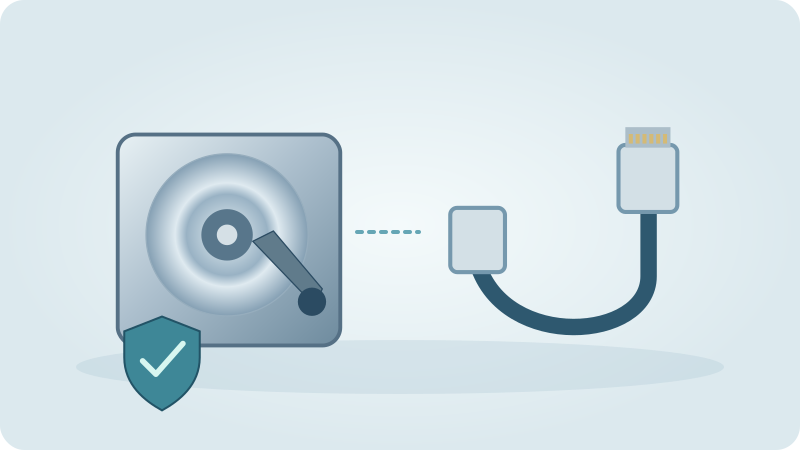 Computers
External Drive Not Recognised: Check Detection Without Erasing Data
Separate a missing file-browser entry from a missing physical device before accepting a format or initialise prompt.
Read guide →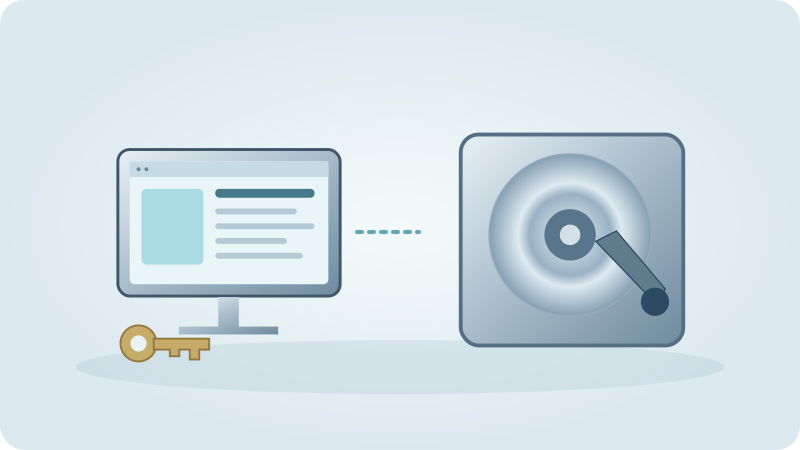 Computers
Factory Reset a PC: When It Helps, What It Removes and How to Prepare
Choose reset for a defined software or ownership goal, not as the first response to every slow or broken computer.
Read guide →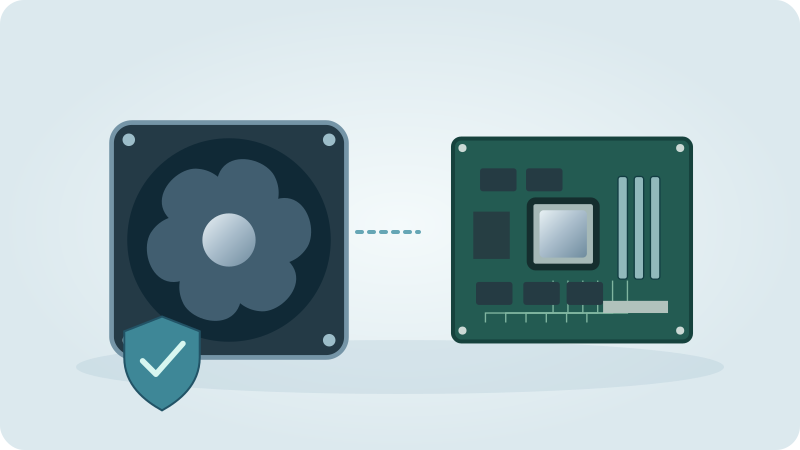 Computers
How Often Should You Clean PC Dust? Inspect the Airflow, Not Just a Calendar
Adapt cleaning to visible buildup, the environment and your model’s service instructions rather than opening every computer on the same schedule.
Read guide →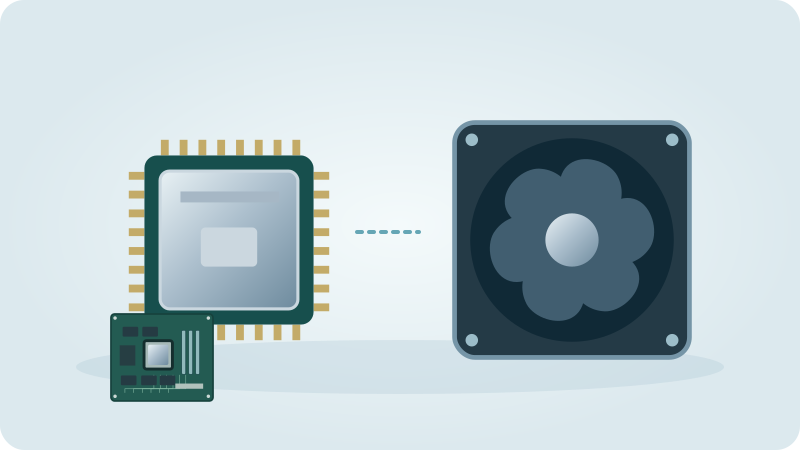 Computers
Thermal Paste Replacement: When It Is Needed and How to Plan It
Check the cooling fault before repasting, and follow the processor, cooler and device instructions rather than one universal method.
Read guide → Computers
Is Upgrading an Old Laptop Worth It? Check the Limitation and the Design
A useful upgrade addresses a measured constraint and is supported by the exact laptop, not just an attractive component listing.
Read guide → Computers
Should You Upgrade to Windows 11? Eligibility, Applications and Preparation
Separate hardware eligibility from a workable migration, and check the current support route before deciding.
Read guide → Computers
Do You Still Need Antivirus Software in 2026
Microsoft Defender Antivirus is included in Windows 10 and Windows 11.
Read guide → Computers
A Simple Backup Strategy for Home Users
List photos, documents and work that exist only on one device.
Read guide → Computers
Laptop Battery Replacement Cost: Capacity, Compatibility and the Quote
Confirm that the battery is the problem and compare a compatible installed replacement rather than a loose battery price.
Read guide → Computers
How Long Should a Laptop Last? Judge Its Useful Life, Not Just Its Age
Separate a worn battery, limited performance, software support and unreliable hardware before deciding an older laptop has reached its end.
Read guide → Networking
Where to Put Your Wi-Fi Router: A Practical Placement Guide
Choose an open, ventilated position with useful paths to the rooms. Keep provider connections safe. If the router cannot move, consider a properly connected access point.
Read guide → Networking
Secure Home Wi-Fi: Joining, Router Access and a Maintainable Review
Separate Wi-Fi joining from router administration, use supported secure settings, maintain updates and verify guest isolation. Test everyday functions and keep an authorised recovery path.
Read guide → Networking
Mesh Wi-Fi vs Extender: Choose by Backhaul, Rooms and Use
Mesh coordinates several nodes; an extender repeats an existing wireless connection. Both need a healthy upstream link. A cabled access point may be better where radio paths are obstructed.
Read guide → Networking
Slow internet: a useful speed-test diagnosis
Record the actual failure, then compare the same device by cable, near the access point and in the problem room under documented conditions. Keep upload and delay observations alongside download results. Confirm that the original call or transfer works after any change.
Read guide → Networking
Guest Wi-Fi: Visitor Access, Isolation and Practical Sharing
Guest access should provide the required connection without unintended local or administrator access. Verify exact isolation and test any printing, casting or Smart Home requirements separately.
Read guide → Networking
Ethernet vs Wi-Fi: When a Cable Helps and How to Compare
Use Ethernet where a practical cable improves a verified fixed task, and Wi-Fi for appropriate mobile use. Compare the full route and actual application before changing equipment.
Read guide → Networking
Port Forwarding Explained: Purpose, Provider Path and Controlled Access
A forwarding rule directs specified incoming service traffic. Verify necessity, the provider path and supported protection before changing it; it does not improve Wi-Fi coverage.
Read guide → Networking
Wi-Fi 6: when upgrading is worth it
Upgrade when supported clients, sensible placement and a measured limitation justify the change. Wi-Fi 6 does not increase your provider subscription or automatically supply 6 GHz. Test the normal workload and weakest room before and after replacing equipment.
Read guide → Networking
Network Attached Storage (NAS): Do You Need One at Home
A NAS provides storage accessed over a network.
Read guide → Networking
Static vs Dynamic IP at Home: Local Reservations and Provider Addresses
First identify local or provider addressing. Keep clients automatic unless a justified task needs a planned reservation or provider change; stable addresses do not guarantee speed or reachability.
Read guide → Smart Home
Do You Need a Smart Home Hub? Choose the Missing Function
Choose a hub by the radio, controller, bridge or automation function your devices need. Check what existing equipment already provides before buying another box.
Read guide → Smart Home
Smart Plugs: Safe Loads, Scheduling and Energy Monitoring
A smart plug switches power; it does not make every appliance safe to automate. Check regional load ratings, appliance restart behaviour and the rule’s offline requirements.
Read guide → Smart Home
Smart Lighting: Bulbs, Switches, Scenes and Everyday Control
Choose a suitable fitting and control method, keep power and manual use clear, and test one room before expanding smart lighting.
Read guide → Smart Home
Robot vacuum buying guide: floors, upkeep and control
Check the actual floors, thresholds, safe route, dock space and maintenance before buying. Verify supported cleaning liquids and privacy settings for the exact model. Accept a supervised normal run and ensure the responsible resident can operate and care for the equipment.
Read guide → Smart Home
Smart thermostats in Spain: compatibility and real value
Confirm the actual heating or cooling interface with the responsible installer before choosing a controller. Define the comfort problem, manual controls and online dependencies. Test real equipment response and assess costs without assuming a universal savings percentage.
Read guide → Smart Home
 Privacy: Data, Accounts, Recordings and Handover
Inventory data and account access, limit unnecessary collection, protect credentials and remove old users. Privacy settings and security protections solve different problems.
Read guide →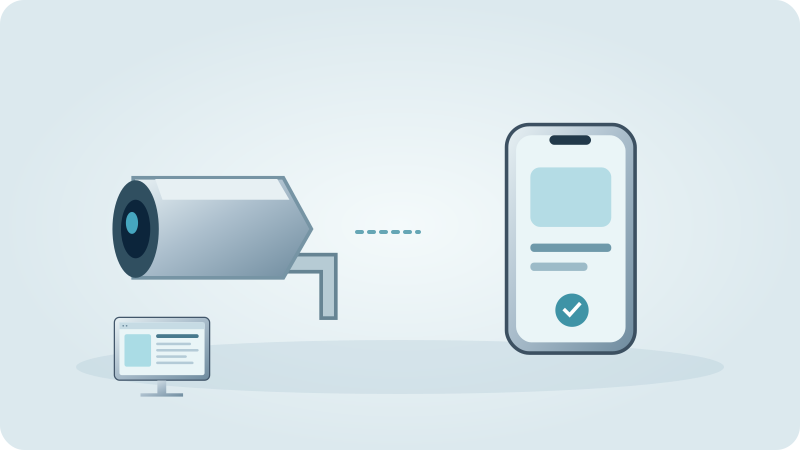 Security
Smart Doorbell vs CCTV: Visitor Contact or a Separate Recorded View?
A doorbell centres on visitor interaction; a CCTV camera centres on a defined view. Compare actual recording, placement, ownership and response needs before choosing either or both.
Read guide → Smart Home
Useful Smart Home Routines: Triggers, Examples and Safe Testing
Start with a clear trigger, condition and action, then define manual override and missing-sensor behaviour. Test small comfort routines before expanding them.
Read guide → Smart Home
 Without Internet: What Keeps Working and How to Test
Internet loss, Wi-Fi failure and power loss are different. Local commands can survive internet loss only when their devices, controller and network remain available; remote and cloud features may not.
Read guide →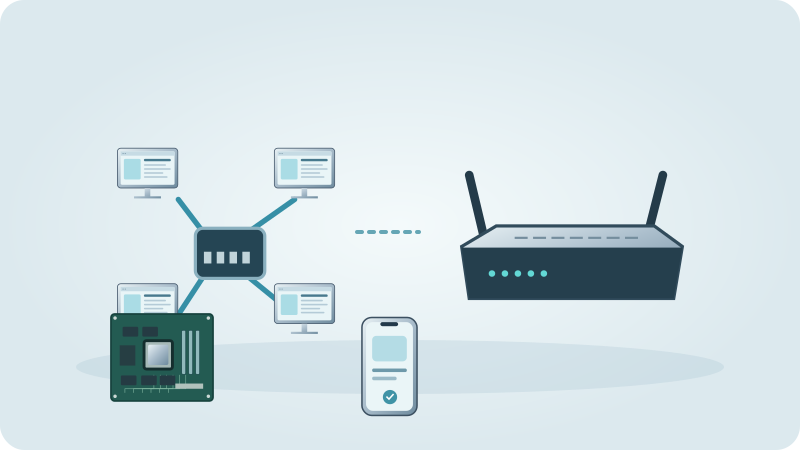 Smart Home
Matter Explained: Controllers, Thread, Bridges and Compatibility
Matter is a local application protocol, not a radio frequency. Check the product’s transport, controller requirements and supported platform features before buying.
Read guide → Security
How Many CCTV Cameras Does a House Need? Count Useful Views First
Count justified viewing tasks, not rooms or package contents. Map obstacles, test day and night recordings, and check recorder capacity and privacy before deciding.
Read guide → Security
CCTV Cloud vs Local Storage: Recording, Recovery and Responsibility
Compare the recording mode, recovery path, retention and responsible account owner. Test real retrieval and outages; neither local nor cloud labels guarantee useful footage.
Read guide → Security
Alarm System vs Cameras: Detection, Recorded Views and Real Response
Separate detection, visual information and response. Compare supported armed behaviour, recording, faults and responsibilities; a camera notification is not automatically a monitoring service.
Read guide → Practical help
Why You Should Use a Password Manager
A password manager can help store and generate distinct passwords so one exposed password is not reused everywhere.
Read guide → Computers
How to Spot a Phishing Email Before It's Too Late
Urgency, unusual payment instructions, requests for passwords and unexpected attachments deserve caution.
Read guide → Practical help
Two-Factor Authentication Explained: Why It Matters
Multifactor authentication asks for more than a password, using supported factors such as an authenticator or security key.
Read guide → Security
Holiday Home Security Checklist: Access, Equipment and a Real Contact Plan
Prepare physical checks, trusted access, tested equipment and a clear response before departure. Keep the plan simple and revoke temporary access after returning.
Read guide → Computers
Protecting Your Home PC from Ransomware
Use official updates and check the active security product.
Read guide → Gaming
 PC Won’t Turn On: Check the Build, Not Just Windows
A focused startup checklist for a new build or a gaming PC that stopped after an upgrade.
Read guide → Gaming
GPU or CPU Bottleneck: How to Tell Which Is Holding You Back
Use the same game scene, resolution and settings and record frame time as well as frame rate.
Read guide → Gaming
Choosing the Right Monitor Refresh Rate for Gaming
Refresh rate describes display updates; frame rate describes the game's rendered output.
Read guide → Gaming
 PC Fans Too Loud? Find the Load, Sensor and Cooling Cause
Diagnose game-specific fan noise without hiding overheating or applying someone else’s fan curve.
Read guide → Gaming
How Much RAM Do You Actually Need for Gaming in 2026
Check current requirements for your actual titles, then consider streaming, browser tabs and creative applications used alongside them.
Read guide → Practical help
Is Custom Water Cooling Worth It for a Gaming PC
Custom liquid cooling may serve appearance, specific temperatures or noise preferences.
Read guide → Gaming
Switching from Console to PC Gaming: What to Expect
Confirm PC availability, hardware requirements, controller support and any cross-play or save-transfer rules.
Read guide → Gaming
 PC Maintenance: What to Do and How Often
Follow component guidance and inspect when dust, new noise or behaviour changes justify it.
Read guide → Web & SEO
Local SEO for Small Businesses on the Costa Blanca
Publish accurate services, contact details and service areas.
Read guide → Web & SEO
Do You Still Need a Website If You Have Social Media
A website can provide controlled pages for services, menus and enquiries; social platforms can provide discovery and conversation.
Read guide → Web & SEO
Setting Up Your Google Business Profile Correctly
Check Google's current rules for the business type and how it serves customers.
Read guide → Web & SEO
E-commerce Store or Simple Website: Which Does Your Business Need
A catalogue or enquiry site can suit purchases needing a quote.
Read guide → Web & SEO
Website Security Basics Every Small Business Should Know
Keep the platform and extensions supported and use trusted sources for updates.
Read guide → Web & SEO
What Website Maintenance Actually Includes
Maintenance may include software updates, backups and checks; content changes, hosting and emergency work may be separate.
Read guide → Web & SEO
Why Every Website Needs an SSL Certificate
An appropriately configured certificate supports encrypted communication between browser and site and helps authenticate the endpoint.
Read guide → Computers
Mac or Windows in 2026? Choose the Platform Your Work Actually Supports
Compare applications, peripherals, processor architecture and migration before deciding from a brand preference.
Read guide → Practical help
Tech Support Scams: How to Recognize and Avoid Them
Calls, pop-ups or messages demanding urgent payment or screen access should be verified independently.
Read guide → Networking
Printer Won’t Connect to Wi-Fi? Separate Setup, Discovery and Printing Faults
Find whether the printer failed to join the network, cannot be discovered or has a stuck print queue before reinstalling everything.
Read guide → Practical help
Old Devices: Keep the Data, Remove the Access, Then Reuse or Recycle
An unused device may hold the only copy of a file or the only way into an account. Resolve those dependencies before clearing a drawer or handing it over.
Read guide → Security
Email or Account Hacked: What to Do in the First Hour
A calm, ordered plan for a hacked email or online account: change the password, secure two-step login, check forwarding and filters, sign devices out, inform your bank and warn your contacts.
Read guide → Security
Constant Ads and Pop-Ups in Your Browser: Remove Adware and Clean Up the Browser
How to tell adware from normal ads, which extensions and notification permissions to remove, how to reset a hijacked start page and what never to click.
Read guide → Security
Buy Security Cameras or Have Them Installed? Wi-Fi vs Cabled, Storage, App and Power
Wi-Fi or cabled cameras, where recordings are kept, how they are powered, what works outdoors and what you can safely do yourself.
Read guide → Computers
Buying a Laptop in Spain: Keyboard, Language, Warranty Questions and First Setup
Decide what the laptop is for, check keyboard layout, system language and charger, ask the seller the right questions and set the device up in a sensible order.
Read guide → Networking
Connect and Set Up a Printer: Wi-Fi, USB, Printing and Scanning from Your Phone
How to set up a new printer step by step on Windows, Mac and phone, what to do about ink, drivers and poor print quality, and when it is worth asking for help.
Read guide → Hardware
Upgrading Your CPU: Is It Worth It? Socket, Motherboard, Cooler and BIOS Explained
Before you change a processor, check the socket, the motherboard's CPU list, the BIOS, the cooler and the power supply, and decide whether a new PC makes more sense.
Read guide → Computers
Desktop PC Running Hot: Causes and Fixes for Dust, Airflow, Fans and Gaming Load
How to tell normal warmth from real overheating, what to check first, and when dust, airflow, fan curves, thermal paste or the power supply are the cause.
Read guide → Practical help
Set Up Email and Fix Problems: Outlook, Phone and Webmail When Messages Do Not Arrive
How IMAP, POP and SMTP differ, how to set up email in Outlook and on your phone, and what to check when messages do not arrive.
Read guide → Security
Fake Texts, Calls and QR Codes: How to Respond Safely
What fake texts, calls and QR codes look like, how to check them independently, and the steps to take if you have already responded.
Read guide → Security
Holiday Home Alarm and Cameras in Spain
What an alarm system and security cameras can and cannot do in an empty Spanish holiday home, with and without monitoring.
Read guide → Smart Home
Home-Country TV in Spain, Device by Device: Smart TV, Streaming Box, Tablet and Laptop
How watching UK, German or Dutch TV in Spain works on each of your devices, what you need for each, and where we set it up for you.
Read guide → Networking
Setting Up a Home Office in Spain: Internet, Wi-Fi or Cable, Video Calls, Printer and Backup
A practical order for setting up a working desk at home in Spain: connection first, then cable or Wi-Fi, video calls, printer, backup and security, with a checklist at the end.
Read guide → Computers
How to Back Up Your Computer Step by Step: External Drive, Cloud and Automatic Backups
Create your first backup on Windows or Mac with an external drive or the cloud, make it automatic and test that you can restore it.
Read guide → Web & SEO
How to Build an Online Shop: Steps from Idea to Launch
A practical order of work for a first online shop: products and photos, shop system, payments, shipping, legal texts, testing and upkeep.
Read guide → Practical help
How to Find a Good IT Technician on the Costa Blanca: Language, Billing and Warning Signs
What to look for in language, home visit or remote help, billing and questions before work starts, and how to spot unreliable offers.
Read guide →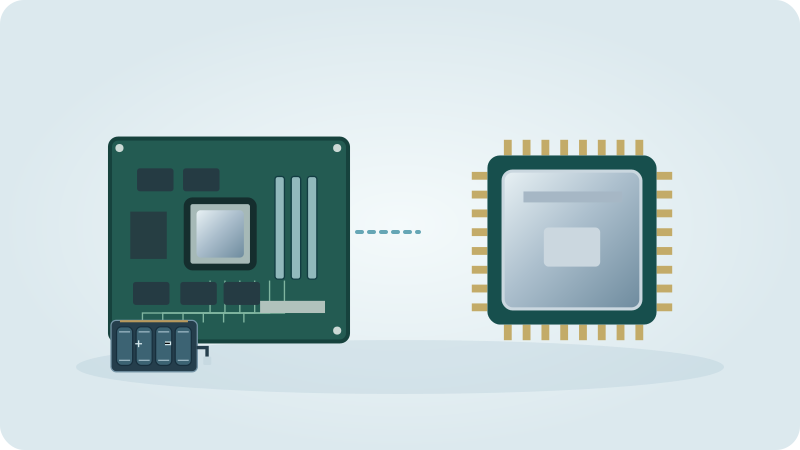 Hardware
How to Upgrade RAM in a PC or Laptop: Check Compatibility, Choose the Amount, Install It
Find out whether your computer can take more memory, which type fits, how much makes sense and how the upgrade is done step by step.
Read guide → Gaming
Installing a New Graphics Card: Will It Fit My PC? Power Supply, Space, Connectors and Drivers
Check case space, power supply, connectors, slot and processor before you buy, then install the card and its drivers cleanly and test the result.
Read guide →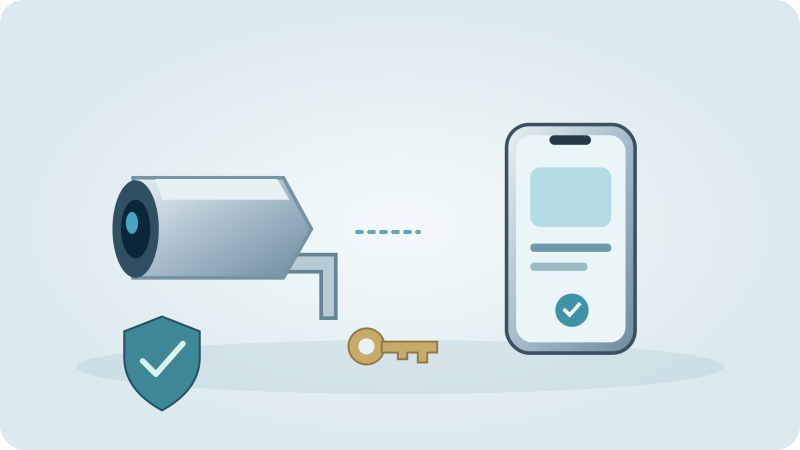 Security
Internet cameras: verify safe remote access
Review camera accounts, updates and sharing permissions, then test viewing and revoked invitations over mobile data.
Read guide →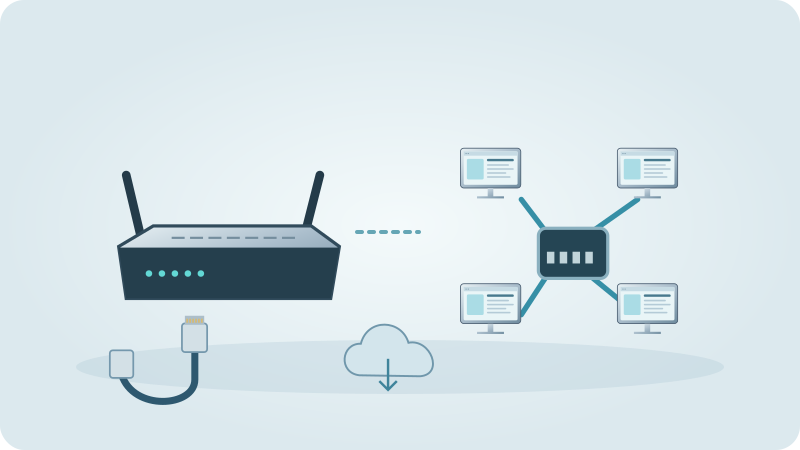 Networking
Internet in a holiday home in Spain: fibre, 4G/5G, Starlink or landline
Which connection types exist for a holiday home, how to check one address before you commit, and what to do when the house is only used part of the year.
Read guide →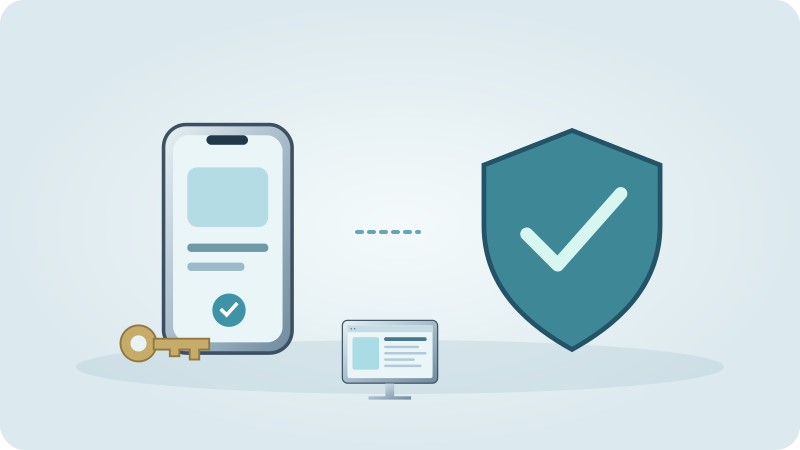 Security
Internet Scams: Recognise the Pattern and Respond Safely
Recognise parcel, impersonation, shopping, investment, romance and job scams, then respond according to the money, information or access you shared.
Read guide → Practical help
Moving to a New Computer: Transfer Your Files, Programs, Passwords and Settings
How to move files, browser data, passwords, programs, email and printers to a new computer, and how to wipe the old one safely.
Read guide → Practical help
Setting Up a New Phone and Transferring Your Data: Chats, Photos, Banking Apps and Two SIMs
Prepare a phone transfer, verify chats and important accounts, then erase the old device only after checking the result.
Read guide →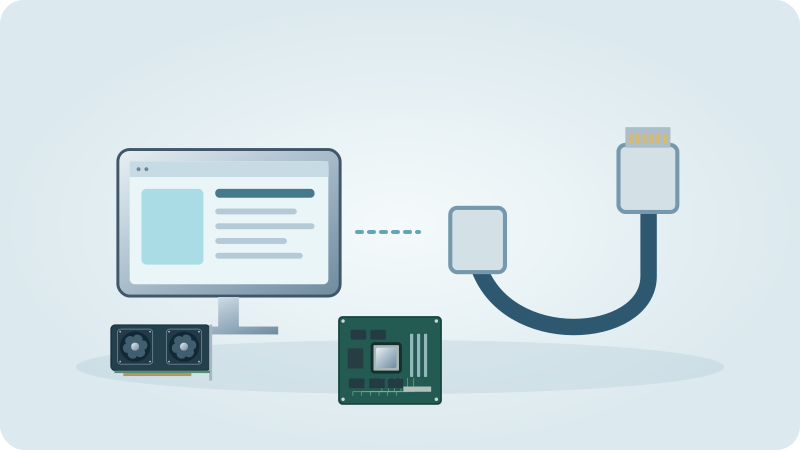 Hardware
PC Black Screen or Monitor Says No Signal: What to Check Before You Call Anyone
Cable, input, graphics card or motherboard port, monitor test, memory and laptop display: a calm order of checks for a computer that shows no picture.
Read guide →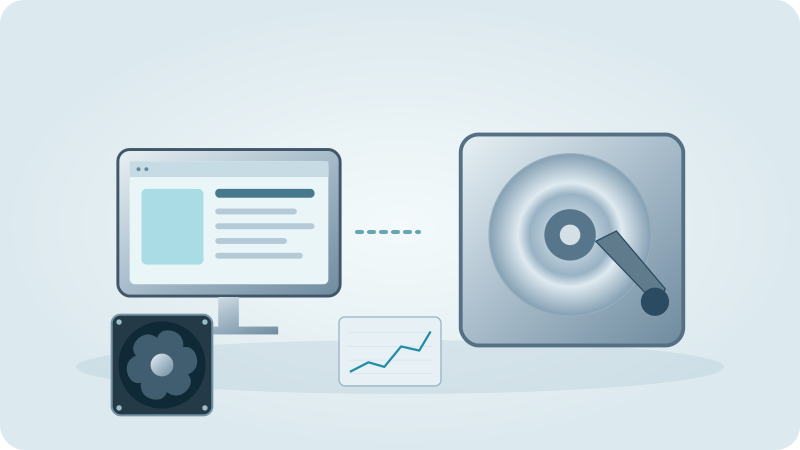 Computer repair
PC Clinic and Computer Doctor: What Happens When I Hand In My Computer?
Home visit, remote help or drop-off by appointment in Adsubia: how a computer repair runs, what to bring, how your data is handled and when you approve the work.
Read guide → Computers
What Does a PC or Laptop Repair Cost in Spain? Time, Parts, Data and Travel
Repair cost is time plus parts plus data work plus travel. See how to read a quote, which questions to ask and when a repair is worth it.
Read guide →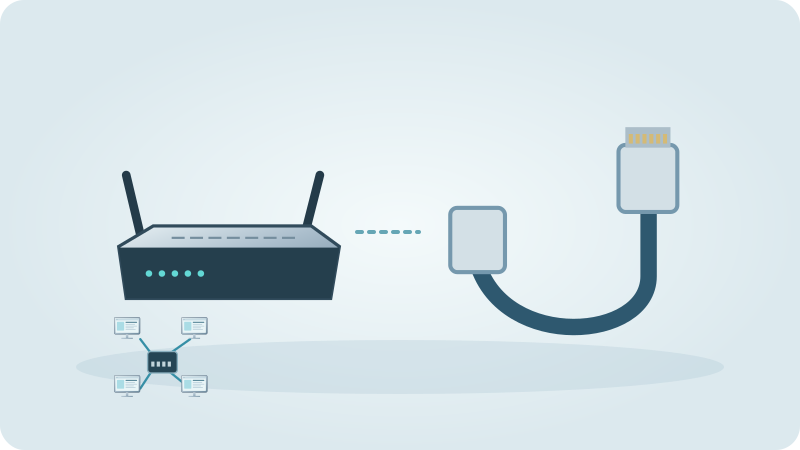 Networking
Powerline, Repeater or Mesh: What Helps with Poor Wi-Fi at Home?
A decision guide by type of house: thick walls, a finca, an upper floor or old wiring. When powerline, a cable with an access point or mesh is the sensible choice.
Read guide →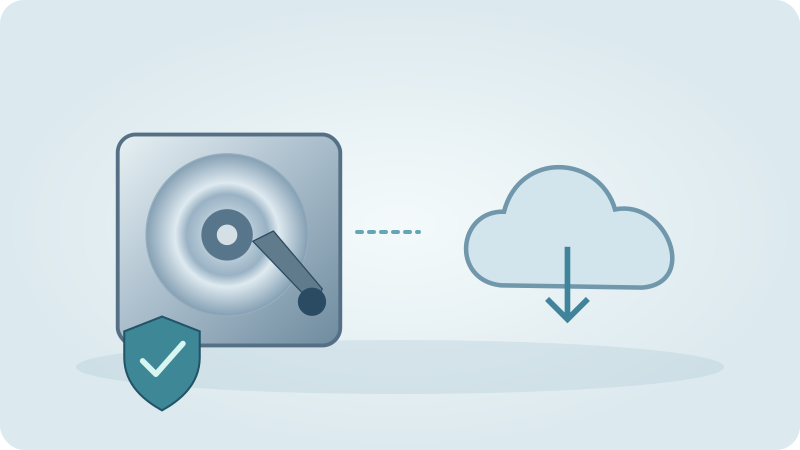 Computers
Recover Deleted Files: PC, USB Stick, SD Card and Photos
What to do in the first minutes after deleting files, where to look before using software, and when a specialist laboratory is the safer route.
Read guide → Networking
Remote Access to Cameras and Smart Home on Starlink or 5G: Why Port Forwarding May Fail
Why remote access to cameras and smart home devices can fail on Starlink, 5G and similar connections, and how to reach them more safely.
Read guide → Web & SEO
SEO for Small Businesses: How to Get Found on Google (Basics, No Promises)
A plain starting checklist: search terms, page titles, Google Business Profile, reviews, local pages, speed and languages, with an honest answer on how long it takes.
Read guide → Networking
Setting Up Your Provider’s Router: Wi-Fi Name, Password, Guest Network and 2.4/5 GHz
How to connect the router your internet provider gave you, choose a Wi-Fi name and password, add a guest network, understand 2.4 and 5 GHz and know when the provider’s technician is needed.
Read guide → Computers
Slow PC or Windows Slow to Start: Causes and What Really Helps
Work out when your desktop PC is slow, then check startup programs, drive type, memory, storage, updates and malware before you consider reinstalling Windows.
Read guide → Smart Home
 Device Security: Simple Basics That Matter
A friendly, practical checklist for securing smart home devices: router, passwords, updates, separate network and old devices.
Read guide → Smart Home
 security: a practical handover checklist
Inventory devices and owner accounts, confirm update support, test permitted local and offline functions, revoke temporary access and follow separate unlinking and reset procedures during a move. Verify the new owner independently rather than transferring personal credentials.
Read guide → Smart Home
Smart TV Set-Up in Spain: Wi-Fi, Apps, Streaming, Language and Accounts
How to set up a smart TV step by step: language and country, Wi-Fi, app store, streaming accounts, home channels over the internet and the problems people meet most.
Read guide → Networking
Starlink Home Installation Checklist: Sky View, Safe Mounting and Whole-Home Wi-Fi
Plan the dish, cables, power and indoor network separately, then verify the installation with real tasks and a clear handover.
Read guide → Networking
Starlink Offline or Slow: Causes and Solutions
Find out whether the dish, the cable, the router or the Wi-Fi is the problem, what you can safely check yourself and when to call the provider.
Read guide → Practical help
Tech Help for Seniors in Spain: Phones, Video Calls and Scam Awareness
What older people in Spain really need from their phone and television, how patient help looks, and how to spot scams.
Read guide → Practical help
Video Call Not Working? Fix Camera, Microphone, Sound and Picture (Zoom, Teams, WhatsApp)
Check permissions, choose the right camera and microphone, deal with echo and poor Wi-Fi, and get a reliable call with family abroad.
Read guide → Networking
VPN at Home in Spain: What It Does, Which Devices, Router or Single Device?
What a VPN really does for private users in Spain, where it helps and where it does not, and whether it belongs on each device or on the router.
Read guide → Web & SEO
What Does a Website Cost? What Drives the Price and How to Read a Quote
Why there is no single price, which factors move the total, what keeps costing after launch and how to compare quotes fairly.
Read guide → Networking
Wi-Fi in the Garden and by the Pool: Extender, Access Point, Mesh or Cable?
Compare outdoor Wi-Fi options, test coverage at real devices and plan safe cabling, power and access-point placement.
Read guide → Networking
Wi-Fi Keeps Dropping or Is Slow in the Evening: Causes and a Step-by-Step Fix
Find out whether the Wi-Fi, the line, the router or one device is to blame, with a simple cable test and fixes for crowded channels, old routers and evening slowdowns.
Read guide →